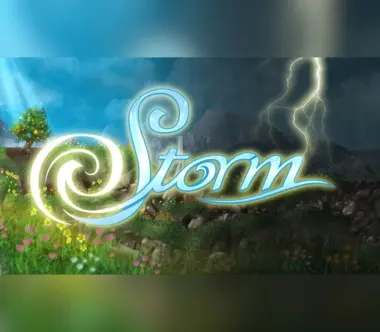
 Storm cover
About the game
Take a deep breath and prepare for a tranquil journey through the seasons with Storm, an atmospheric, ethereal experience where you use natural phenomena to guide a simple seed to fertile soil so it can take root and spring to life. Embrace the subtleties and strengths of nature to move a broken branch, fill a small pond or make snow fall to solve puzzles and create natural paths.
Take your time and explore nature's nooks or simply enjoy the ambiance as you float, blow and bounce a seed to the perfect place to take root. Relax and enjoy Adventure, Challenge or Spirit modes, each set in gorgeous environments and enhanced by soothing, nature-inspired soundscapes.
Read full description
Features
- Gorgeous Environments. Interactive environments react to your every move as you make a path for your seed's journey through 49 lush levels.
- Background Soundtrack. Enjoy the soothing soundscapes created by indie developer and musician Terence Lee, who also came up with the original concept for the game.
- Three Modes Over Four Seasons. Choose between Adventure, Challenge and Spirit modes for multiple levels of enjoyment.
- Natural Controls. Use either an Xbox 360 Controller for Windows or a mouse and keyboard to manipulate the elements at your own pace.
- Developer
- TeamStormVR
- Publisher
- UNIT9
- Release date
- 2016-09-23
How to activate your key
- Go to: http://store.steampowered.com/ and download STEAM client
- Click "Install Steam" (from the upper right corner)
- Install and start application, login with your Account name and Password (create one if you don't have).
- Please follow these instructions to activate a new retail purchase on Steam: Launch Steam and log into your Steam account.
- Click the Games Menu.
- Choose Activate a Product on Steam...
- Follow the onscreen instructions to complete the process.
- After successful code verification go to the "MY GAMES" tab and start downloading.